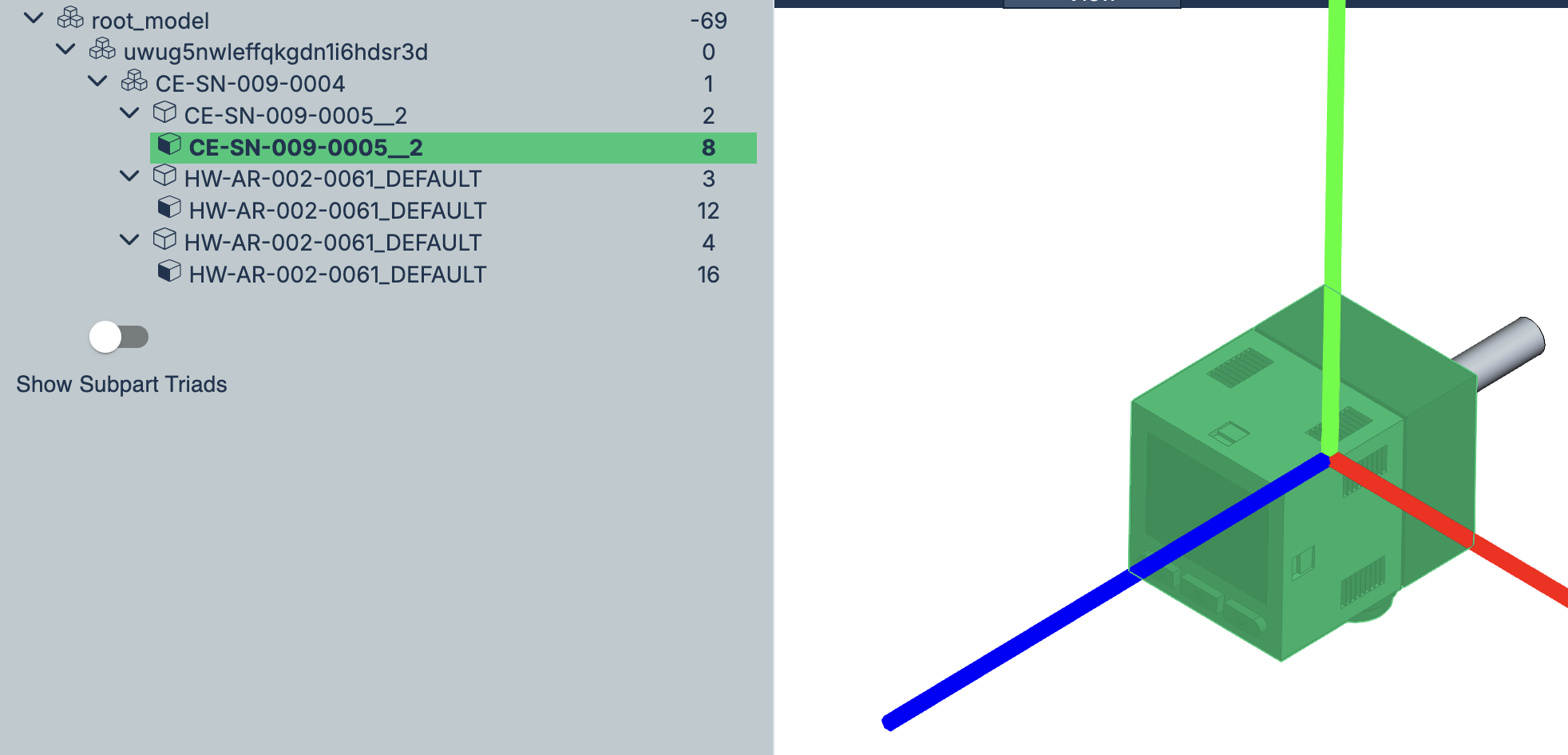
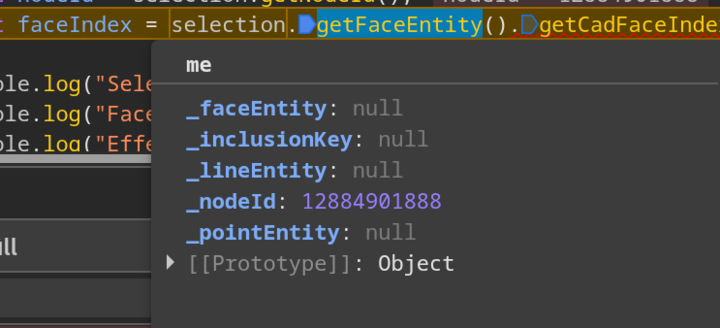
I would expect the colors of the source model to be duplicated to the instanced model. As a quick check, I’d like to get the effective face color for the colored parts in question. To do this, you can paste the following in the console and then select the node:
hwv.setCallbacks({
  selectionArray: async function (selections) {
    if (selections.length > 0) {
      for (const selectionEvent of selections) {
        const selection = selectionEvent.getSelection();
        const nodeId = selection.getNodeId();
		const faceIndex = selection.getFaceEntity().getCadFaceIndex();

        console.log("Selected Node: " + nodeId);
        console.log("Face ID: " + faceIndex);
		console.log("Effective Face Color: " + JSON.stringify(await hwv.model.getNodesEffectiveFaceColor([nodeId])));
      }
    }
  },
});
Ultimately, we may need to get the model in our hands for a closer look.
Those RGB colors all look valid to me. As I previously alluded to, it would probably be best if we got the CAD model in our hands to do a deeper investigation. To that end, the best way would be to create a support ticket via our Support Portal.