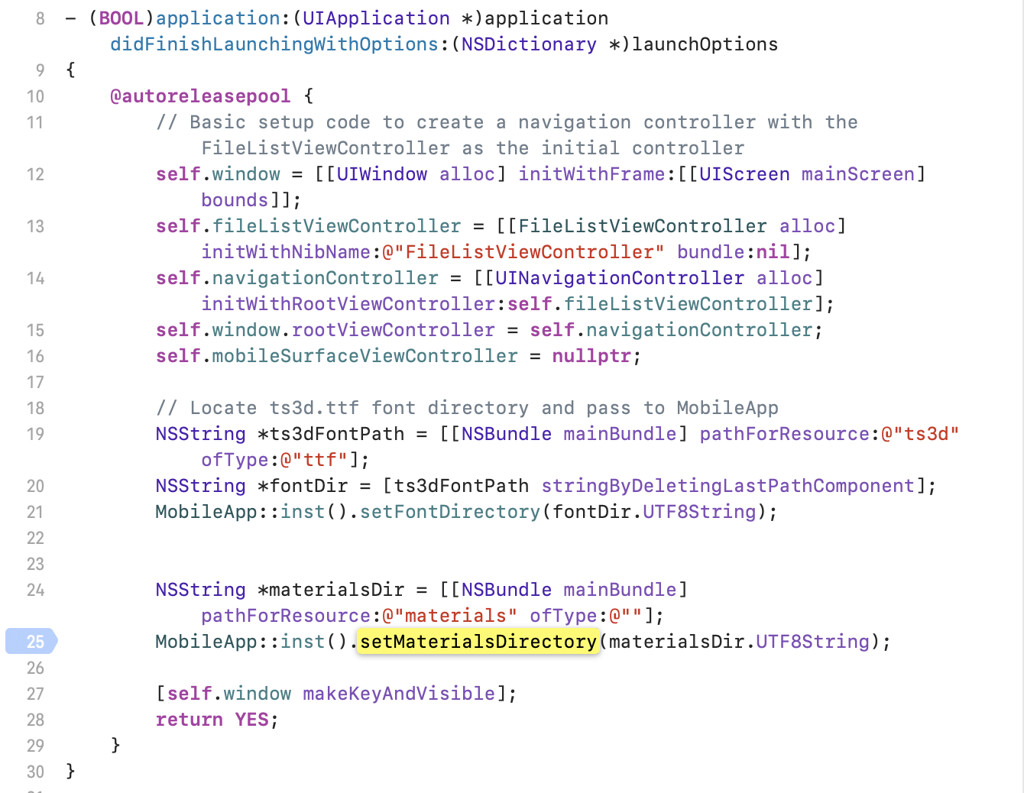
When you want to display a model which uses materials correctly, you will need to set the material directory using World::SetMaterialLibraryDirectory.
In iOS sandbox, you can use MobileApp::SetMaterialDirectory to call World::SetMaterialLibraryDirectory in AppDelegate.mm.
You will need to add /samples/data/materials to Resources in the project and Copy Bundle Resources.